
!
Printer shows offline, disappears, or will not reconnect
2365 Marron Rd, Unit B
Printer support
Printer problems are usually not dramatic, but they waste time fast. A device that will not connect, stays offline, or refuses to print reliably can interrupt an office day just as effectively as a broken computer. We provide practical printer support in Carlsbad for homes and offices that need reliable, everyday printing.
Printer setup and troubleshooting in Carlsbad for wireless printers, driver issues, office printer problems, and devices that will not print reliably.

What we cover
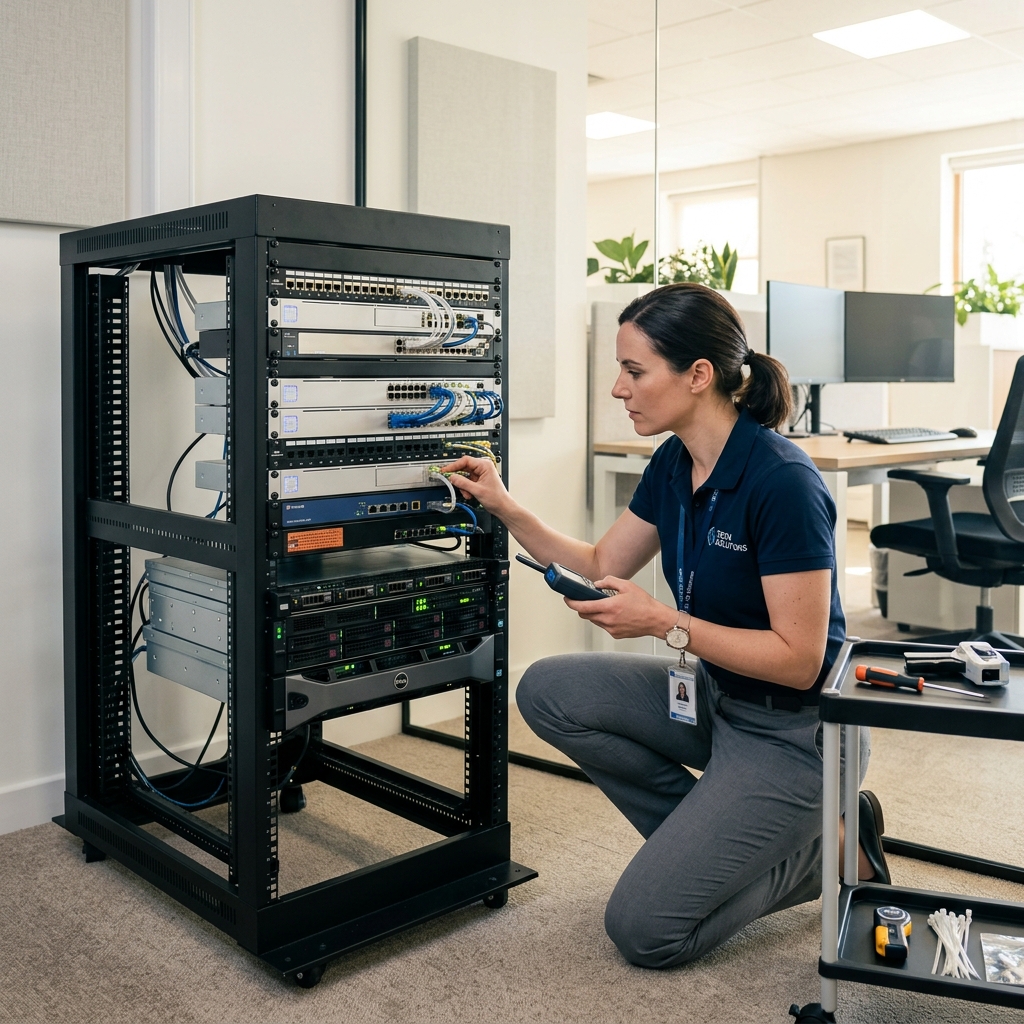
Printer connection troubleshooting and setup notes prepared for a Carlsbad home-office support case.
Is This You?
People usually search by the problem they can see, not the technical repair name. These are the symptoms this page is designed to help with.
Printer shows offline, disappears, or will not reconnect
New printer setup is incomplete or confusing across devices
Print jobs fail, queue incorrectly, or never reach the printer
Wireless printing works sometimes but not reliably day to day
Sound familiar? Get a quote or service response started today.
Service Details
Printer support becomes easier once the failure path is clearer, because many printing problems are really setup or network problems rather than hardware defects in the printer itself.
Customers usually want the printer to behave consistently across the devices and workflows they actually use, not just succeed in a single one-time test.
Printer support is most valuable when it cuts down the repeated reconnect, reinstall, and “why is it offline again?” cycle.
What the Service Includes
Supported Devices and Systems
What to Expect
Mention whether the issue is setup, visibility, offline behavior, queue problems, scanning, or inconsistent performance across devices.
The goal is to identify whether the issue is the printer, the computer, the driver, or the network environment it depends on.
Once the situation is clearer, the next step can be handled through the most practical support mode for the location and devices involved.
Ready to start?
If this sounds like the right repair path, start the request now or call for the fastest next step.
Proof and Reviews
Carlsbad, CA
Review coming soon
PendingWe are collecting verified reviews from business customers. Contact us to learn how we support local offices, remote teams, and small-business technology needs.
Estimate Guidance
Printer support pricing depends on the setup complexity, the number of devices involved, and whether the issue is a quick reconnect or part of a larger network or office-technology problem.
Turnaround Expectations
Timing depends on whether the issue is isolated quickly, whether the printer is part of a shared network setup, and whether broader device or Wi-Fi troubleshooting becomes necessary.
Why Choose Us
Printer issues often show up in homes, schools, and offices across Carlsbad where people need dependable printing, not just another reinstall attempt. The shop provides a local support path that can branch into network or business-service help when needed.
Location
Service FAQ
Related Services
support
Wi-Fi and network troubleshooting in Carlsbad for unstable connections, device dropouts, weak coverage, and small-office connectivity problems.
support
Remote computer support in Carlsbad for software issues, setup help, Outlook problems, security cleanup follow-up, and practical troubleshooting that does not require a bench visit first.
support
Small-business computer support in Carlsbad for office PCs, remote workers, printers, Wi-Fi issues, recurring workstation problems, and local support needs.
Helpful Articles
Small Business
How Small Businesses in Carlsbad Can Reduce Downtime
A practical guide for local small businesses that want fewer computer emergencies and faster recovery when problems do happen.
Read articleNext Step
Use the request-service form to send the issue details first, or call the shop if the problem is urgent and you want the fastest response.
