
!
Computer will not turn on or keeps restarting
2365 Marron Rd, Unit B
General repair intake
When the problem is real but the exact repair category is not, start here. We handle practical computer repair in Carlsbad for mixed device problems, unstable systems, and hardware or software issues that still need diagnosis.
General computer repair in Carlsbad for startup failures, crashes, hardware faults, slow systems, and mixed home or office device issues.
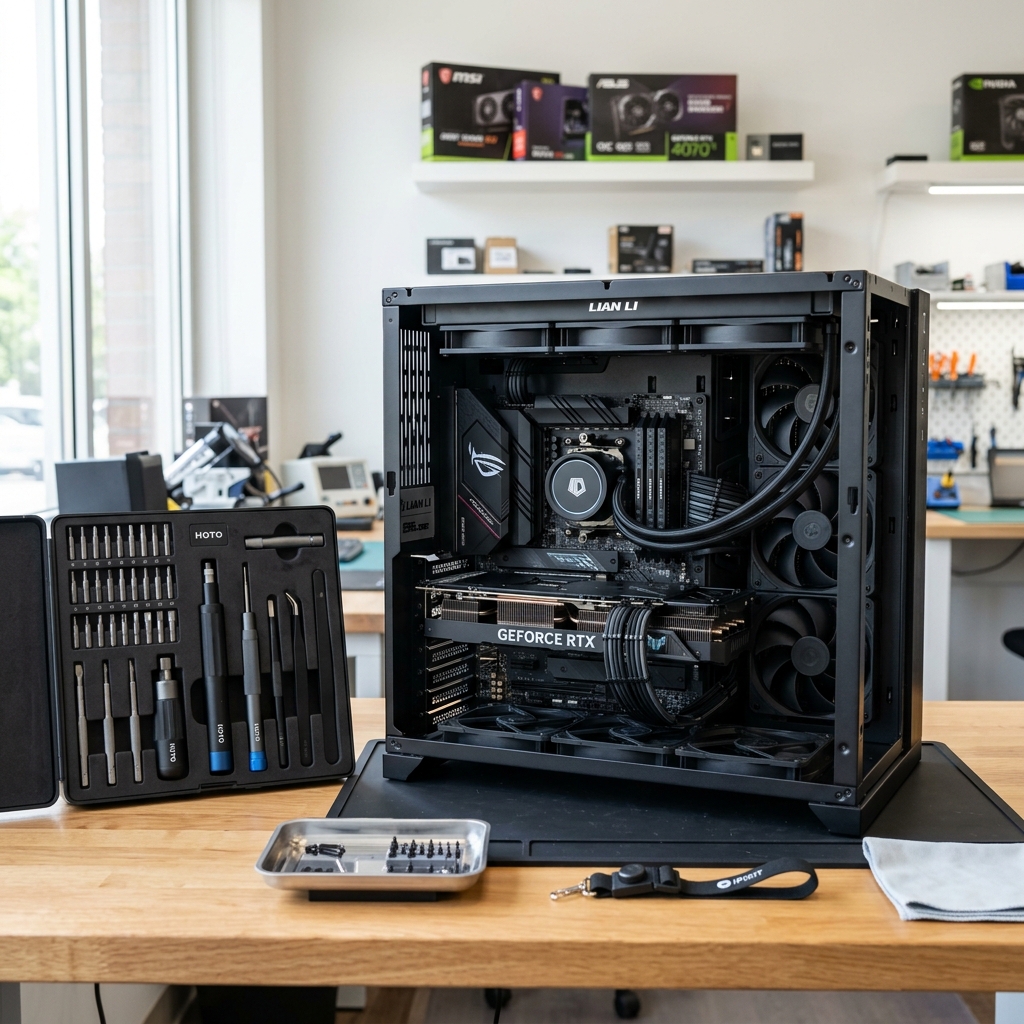
What we cover
Technician reviewing a mixed stack of desktop components and laptops at the Carlsbad repair bench.
Is This You?
People usually search by the problem they can see, not the technical repair name. These are the symptoms this page is designed to help with.
Computer will not turn on or keeps restarting
Frequent crashes, freezing, or blue-screen behavior
Device is slow, noisy, overheating, or unstable
Hardware and software symptoms seem to be happening at the same time
Sound familiar? Get a quote or service response started today.
Service Details
General computer repair usually starts with clarifying whether the problem is power related, storage related, software related, or a mix of more than one fault.
A broad computer-repair page needs to support the common middle ground where the system may need diagnosis before the exact service path becomes obvious.
Once the core issue is clearer, the service path can narrow into a more specific repair category without forcing the customer to guess too early.
What the Service Includes
Supported Devices and Systems
What to Expect
Start with the device symptoms, what changed recently, and whether there is any data risk or urgent deadline tied to the machine.
The first goal is to separate general frustration from the confirmed technical issue so the recommendation is based on the machine, not guesswork.
Once the likely issue is identified, the next step can be explained clearly along with any parts, cleanup, or follow-up service that may be involved.
Ready to start?
If this sounds like the right repair path, start the request now or call for the fastest next step.
Proof and Reviews
Carlsbad, CA
Review coming soon
PendingWe are collecting verified reviews from residential customers. Check back soon or call the shop to hear what others have said about their experience.
Estimate Guidance
Pricing depends on the confirmed problem and whether the computer needs parts, cleanup, data handling, or multiple repair steps. A realistic estimate should follow diagnosis rather than being treated as fixed from the first phone call.
Turnaround Expectations
Turnaround depends on the type of repair, whether parts are involved, and how much diagnosis is needed to separate one issue from another. The fastest timing questions are best handled by calling the shop before you visit.
Why Choose Us
Customers in Carlsbad Village, Bressi Ranch, La Costa, Aviara, and nearby neighborhoods often start here when they need a real local shop to diagnose the issue before deciding whether a narrower repair path makes more sense. The Marron Rd storefront gives them a direct place to call, visit, and get directions to.
Location
Service FAQ
Related Services
repair
Laptop repair in Carlsbad for power issues, cracked displays, overheating, charging failures, and unstable Windows or Mac portable systems.
repair
Desktop computer repair in Carlsbad for tower startup failures, crashes, noisy systems, hardware faults, and workstation instability.
repair
Windows PC repair in Carlsbad for desktops and laptops with blue screens, driver problems, startup errors, and practical system instability.
Helpful Articles
Repair Guides
Common Reasons a Laptop Won’t Turn On
Learn how to separate no-power problems from no-display problems and which laptop startup failures usually need repair.
Read articleRepair Guides
How to Choose the Best Computer Repair Shop in Carlsbad
A practical guide to comparing local computer repair shops in Carlsbad without falling for vague promises or lead-generation sites.
Read article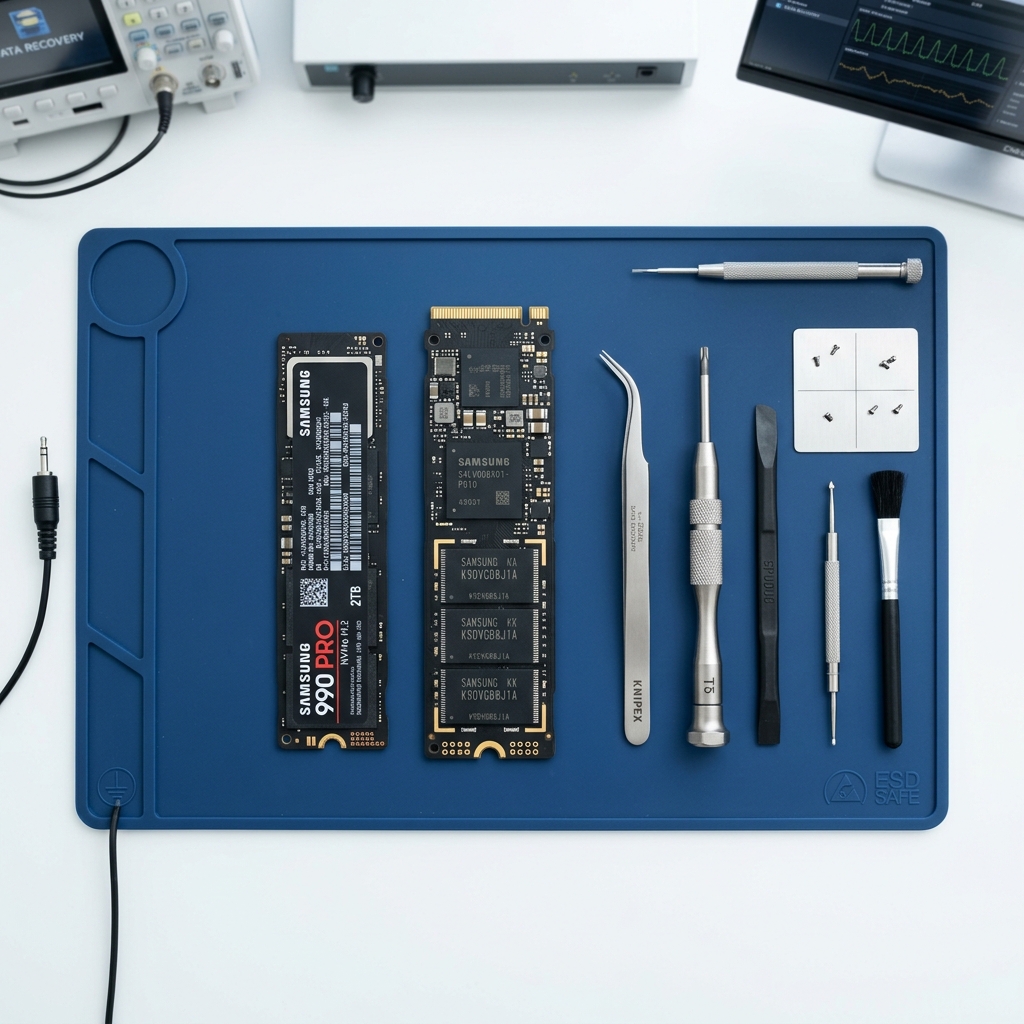
Data Care
Signs Your Hard Drive Is Failing
Learn the most common warning signs of a failing hard drive and when to stop using the computer before data loss gets worse.
Read articleNext Step
Use the request-service form to send the issue details first, or call the shop if the problem is urgent and you want the fastest response.


