
!
Desktop will not boot, post, or display video reliably
2365 Marron Rd, Unit B
Tower and workstation repair
Desktop problems can be easier to inspect than laptop problems, but they often involve more variables such as power supply faults, storage failures, memory instability, cooling issues, and component compatibility. We handle desktop computer repair in Carlsbad when the tower is the problem.
Desktop computer repair in Carlsbad for tower startup failures, crashes, noisy systems, hardware faults, and workstation instability.
What we cover
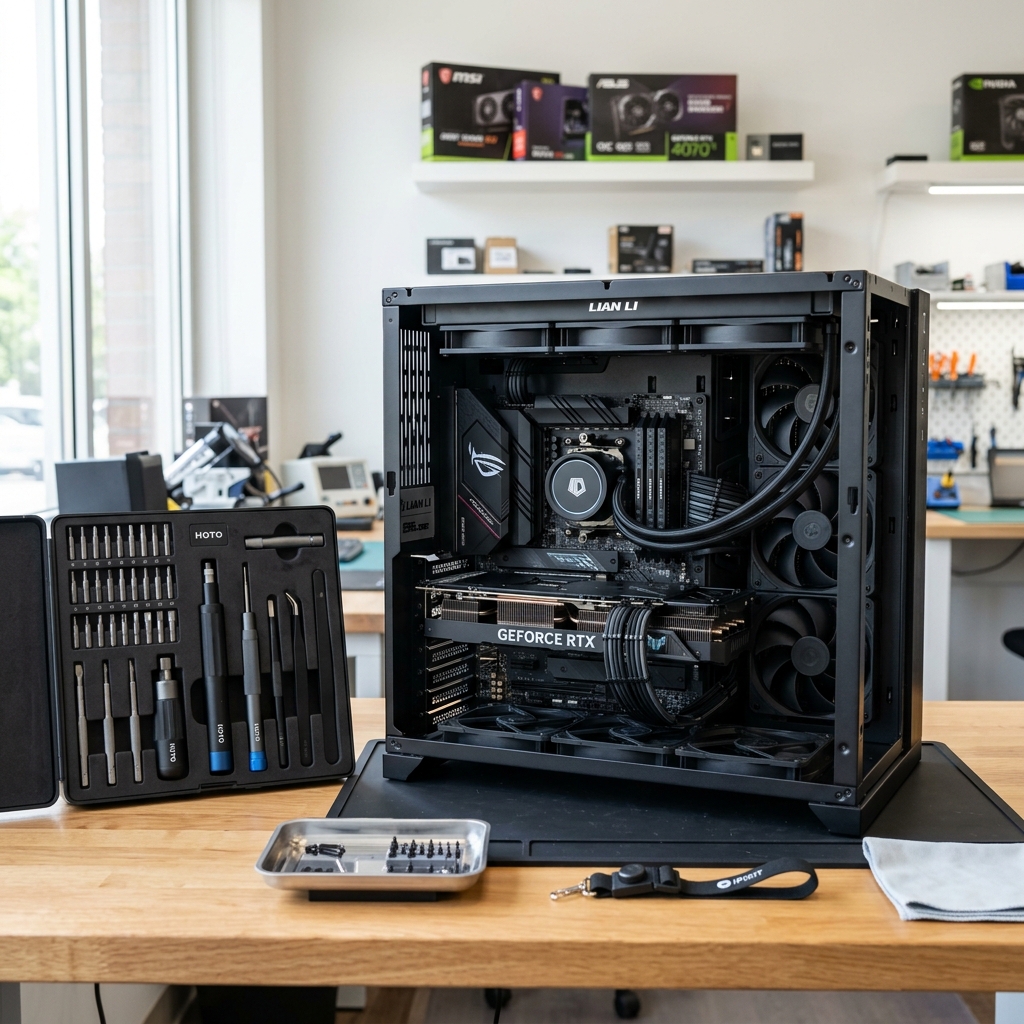
Open desktop tower with components visible during diagnostic work at the Carlsbad bench.
Is This You?
People usually search by the problem they can see, not the technical repair name. These are the symptoms this page is designed to help with.
Desktop will not boot, post, or display video reliably
System crashes under load or shuts down unexpectedly
Fans run loudly, temperatures climb, or the case smells hot
Hardware upgrades or part changes caused new instability
Sound familiar? Get a quote or service response started today.
Service Details
Desktop repair often begins with the system that powers up partially, shows no video, or crashes before the operating system is stable.
Towers can hide multiple aging parts at the same time, especially if the machine has run hot, accumulated dust, or been upgraded in stages.
Desktop repair is often tied to upgrade decisions, especially when an older machine might benefit from storage, memory, or cooling improvements.
What the Service Includes
Supported Devices and Systems
What to Expect
If the desktop is physically movable, bench diagnosis makes it easier to compare startup, video, and component behavior in one place.
The goal is to narrow down whether the instability is tied to power, storage, RAM, graphics, cooling, or more than one internal issue.
Once the failure path is clearer, the shop can explain whether a pure repair, a hardware refresh, or a more selective replacement makes the most sense.
Ready to start?
If this sounds like the right repair path, start the request now or call for the fastest next step.
Proof and Reviews
Carlsbad, CA
Review coming soon
PendingWe are collecting verified reviews from customers who upgraded their computers. Ask us about SSD, RAM, and performance improvement results.
Estimate Guidance
Desktop pricing depends on the failed component, how much bench diagnosis is required, and whether the fix is a straightforward part replacement or a broader stability problem involving several components.
Turnaround Expectations
Timing depends on whether the problem is obvious at intake, whether additional testing is required, and whether any replacement parts need to be sourced. Desktops with multiple symptoms can take longer than a single failed-part repair.
Why Choose Us
From Bressi Ranch to La Costa and the Village area, desktop users often want a local repair shop that can actually inspect the tower instead of trying to troubleshoot blind over email. The Marron Rd location supports that in-shop diagnosis path.
Location
Service FAQ
Related Services
repair
Windows PC repair in Carlsbad for desktops and laptops with blue screens, driver problems, startup errors, and practical system instability.
upgrade
Hard drive and SSD upgrades in Carlsbad for computers that need faster storage, better reliability, or replacement of aging drives.
upgrade
RAM and memory upgrades in Carlsbad for computers that struggle with multitasking, browser load, office apps, or everyday responsiveness.
Helpful Articles
Upgrades
Best Upgrade Options for an Older Desktop PC
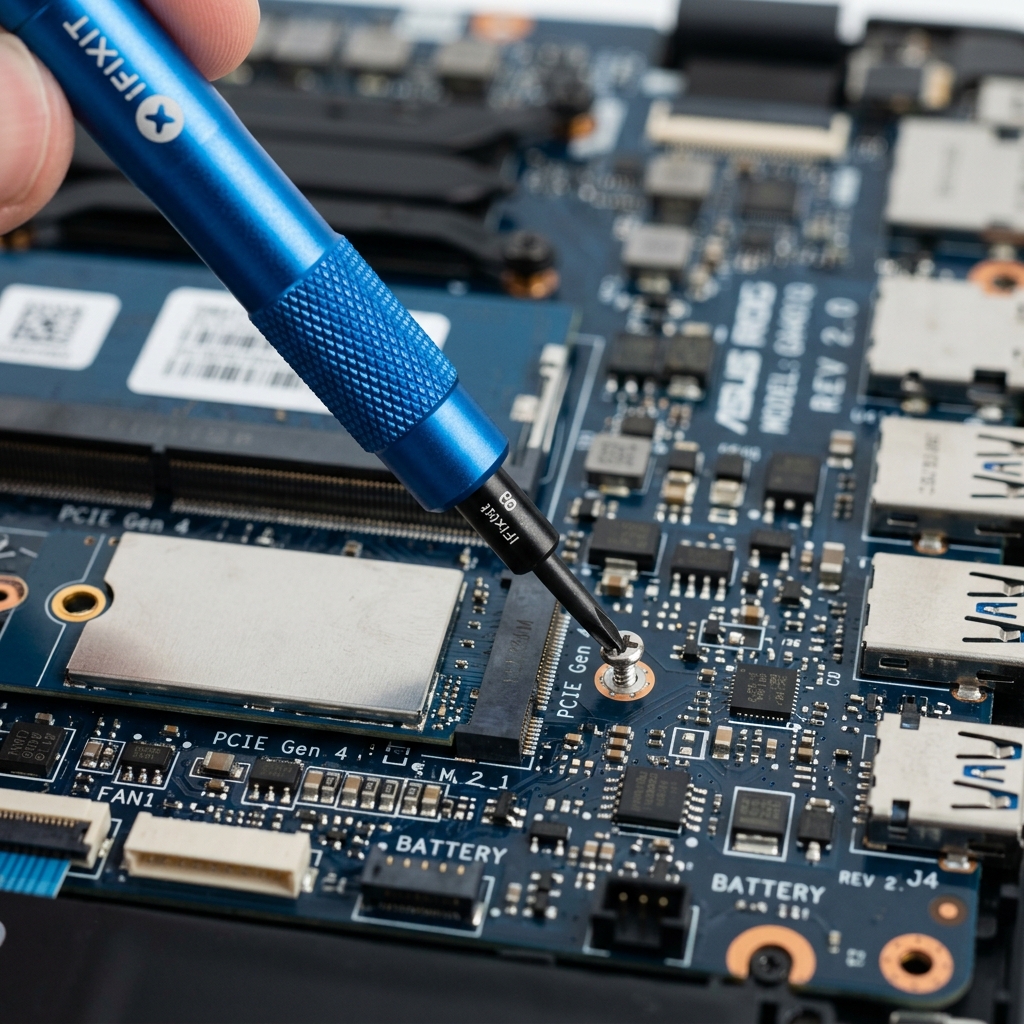
The most practical desktop upgrades are usually the ones that improve the feel of everyday work, not the ones that look flashy on paper.
Read article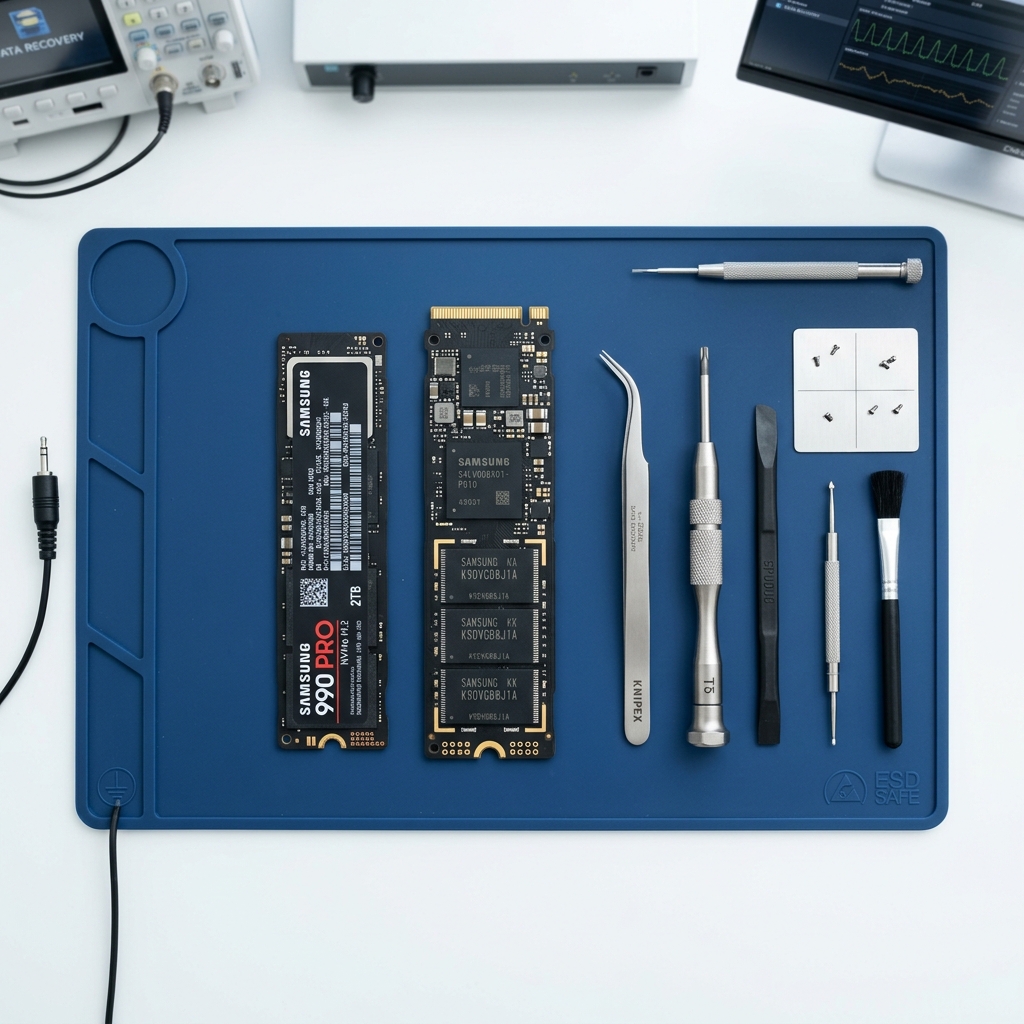
Data Care
How to Transfer Data to a New Computer
A practical step-by-step guide to moving files and important settings to a new computer without leaving critical data behind.
Read articleUpgrades
SSD vs HDD Upgrade Guide for Older PCs
Understand when an SSD upgrade makes sense, when an HDD still fits, and how storage choices change the feel of an older PC.
Read articleNext Step
Use the request-service form to send the issue details first, or call the shop if the problem is urgent and you want the fastest response.
